

Simulator Selection
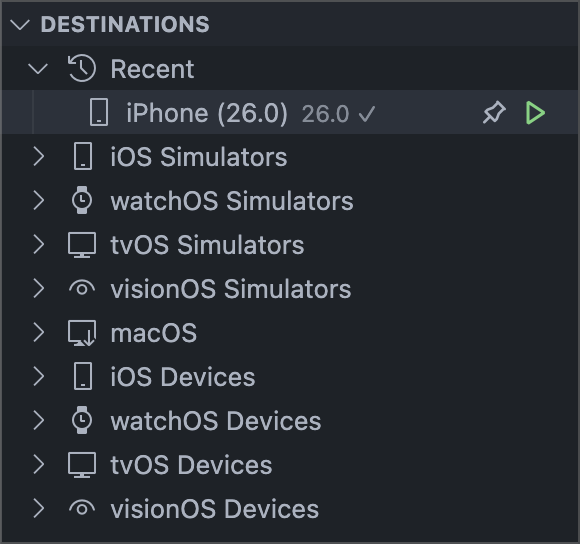
Select a simulator as your build destination:- Use the
FlowDeck: Select Destinationcommand - Choose your simulator from the list
- Build and run your app on the selected simulator
- Select Simulator - Set as build destination
- Start Simulator - Boot the simulator
- Stop Simulator - Shut down the simulator
Available Commands
FlowDeck provides the following simulator commands via the Command Palette:Managing Simulators
FlowDeck does not currently support adding or removing simulator runtimes. This feature is coming soon.